Draw what you love.
We’ll handle the rest.
Portfolio, commission form, quotes and deposits — all behind one link.
The hardest part of commissions often isn’t the drawing.
Answering “how much?” in DMs ten times a day
Prices, samples and rules on one page — just share the link
Google Forms for requests, Excel for the queue
Requests, quotes and your queue on one screen
“What were the last five digits of your transfer?”
Deposit and balance split for you — see who has paid at a glance
Losing count of revision rounds
Agree on revisions per stage up front; we keep count
Everything a solo creator needs.
Your URL, categories and tag filters. No separate Carrd needed.
Arrange 8 field types; rules sit right above the submit button.
Send a quote in one click; clients reply or accept directly.
Set your split; clients report payment and you confirm.
Email, push and Discord — know the moment a request lands.
How many viewed, how many applied — in one chart.
Creators already here

Open in three steps
- 1Create an account
Google or email — takes a minute.
- 2Apply as a creator
Tell us a little about yourself; you’re in once approved.
- 3Put the link in your bio
Add your commission link to X, Plurk or Instagram and start taking orders.
Start free. Upgrade when it clicks.
- Portfolio and commission form
- Quotes and orders
- 30 notification emails a month
- Everything in Free
- Live chat
- Commission analytics
- 300 notification emails a month
- Everything in Pro
- Early beta features
- Everything in Pro
- Unlimited notification emails
- Priority support
To upgrade, enter a redeem code on the Plans page.
Put your commission link
in your bio today.
Your shortcuts, right next to the cursor.
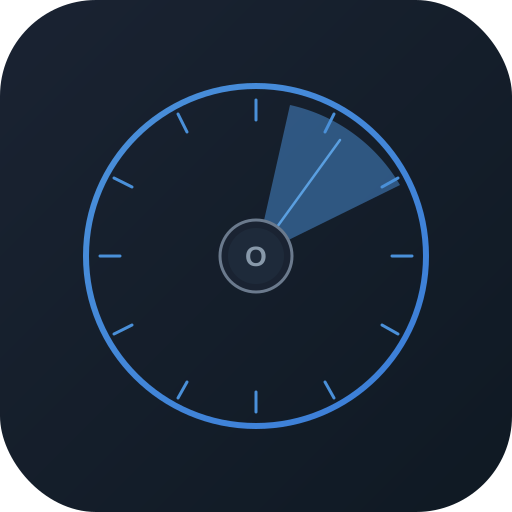
Orbix is a radial shortcut wheel for Windows. Press a hotkey and brush, eraser, undo and save fan out around your cursor — slide to run.
- Hotkey summon
- 2–12 sectors
- Switches per app
Hover a sector to try it